
Rlx 1.10.0
Reliq Manual
Every page, button and parameter of Reliq. Many tasks also open as a guide on the 3D Reliq.
Search the manual
Try
Chapters
In the order of the page buttons under Reliq's screen.
- Start01 Quick Start Unbox Reliq, connect power and the Breakout Module, and learn the encoders, pads and buttons.
- Specs02 Specifications Inputs, outputs, connectivity diagrams and the numbers behind Reliq and the Breakout Module.
- Matrix03 Matrix Route 16 analog inputs to 16 analog outputs from the pads, and store up to 64 routings per project.
- Mix04 Mixer Set the 32 analog levels, one for every input and output of the matrix.
- Seq05 Sequencer Sixteen polyphonic tracks to MIDI, USB, CV and gate, with piano rolls, generators and FX.
- Clip06 Clips Launch, sync and chain clips and scenes, and set what happens when a clip ends.
- Keys07 Keys Play and record notes from the pads in Key, Melody, Chord and Drum modes.
- LFO08 LFO An LFO on every track, sequenced in slots, to CV, MIDI or the analog matrix.
- Env09 Envelope An ADSR envelope on every track, triggered per note and sequenced in slots.
- DAW10 DAW Clips, scenes, mixer, plugins and transport of Ableton Live and Bitwig Studio, and U-SYNC.
- Song11 Song Arrange clips, routings and slots from every page into a linear song of Song Blocks.
- Settings12 Settings Global, MIDI, clock and sequencer settings, projects, transfer mode and updates.
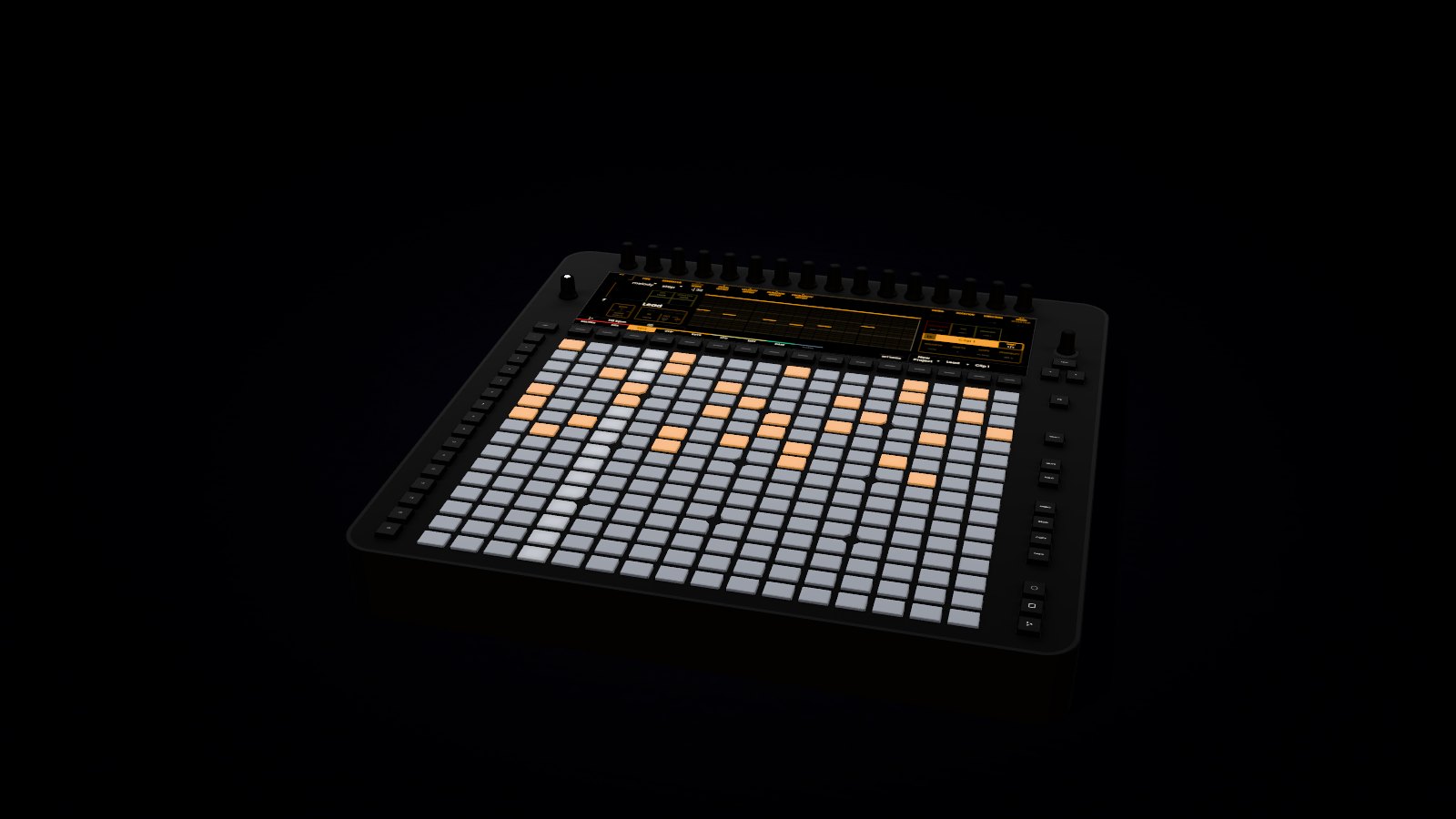
3DReliq Explainer
Read it here. Try it there.
The Reliq Explainer is a 3D Reliq in your browser. Its 319 guides walk through a task one step at a time, on the same pages, pads and encoders this manual describes.
Throughout the manual, 3DTry it in 3D next to a section opens the guide for that task.
Watch it played
From the Reliq YouTube channel.
-
What's new in Rlx 1.10
October 2026 · Read the release notes
-
Getting started
Reliq Explained · Read the Quick Start